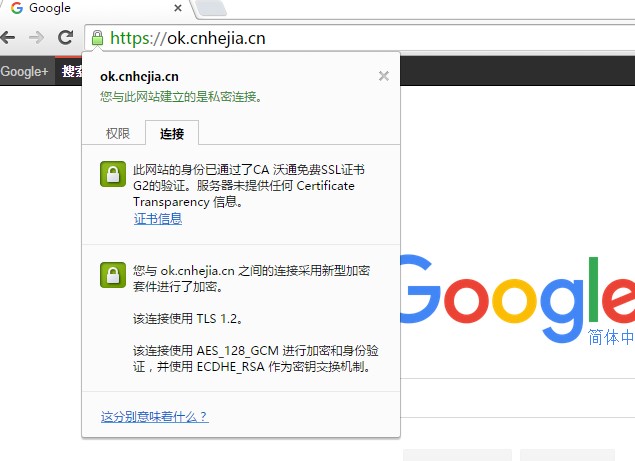
Alibaba Cloud SLB natively supports the HTTPS protocol, eliminating the need to configure TCP port 443 as was previously required. This is achieved by hosting certificates directly on the SLB server. You can use either self-signed (untrusted) certificates or CA-issued (trusted) certificates. In this guide, we will test using a free SSL certificate.
First, apply for an operating system-trusted certificate from a Certificate Authority (CA). These certificates typically require a time-based fee. For this test, we will use a free certificate provider. The application process is straightforward. We will apply for a certificate for the domain ok.cnhejia.cn (one certificate can correspond to multiple domains or wildcard domains).
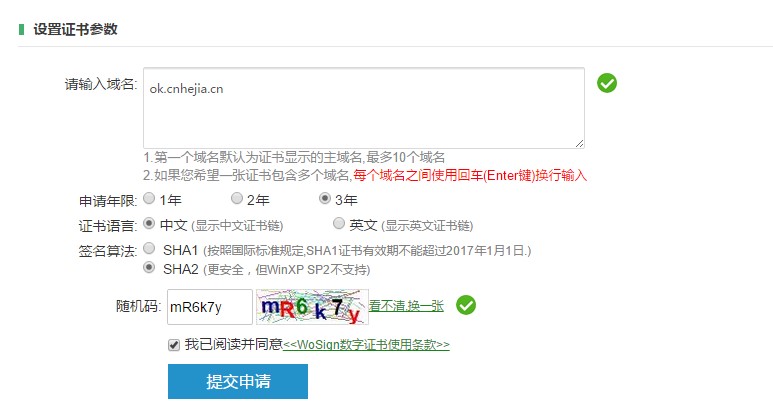
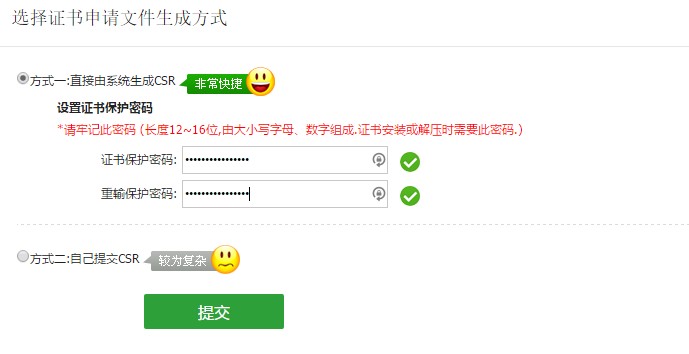
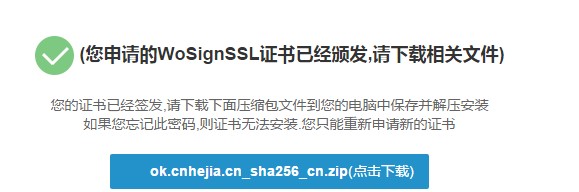
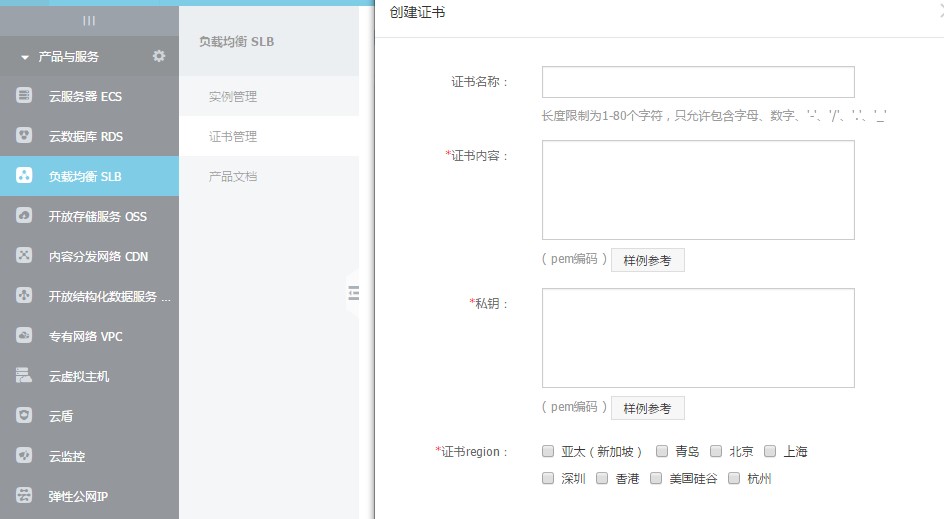
After completion, you will receive a download link for the certificate. Here, we primarily use the certificate file user.crt and the private key user.key. When creating a new certificate in the SLB console, simply copy the content of these corresponding files into the appropriate fields in the SLB console.
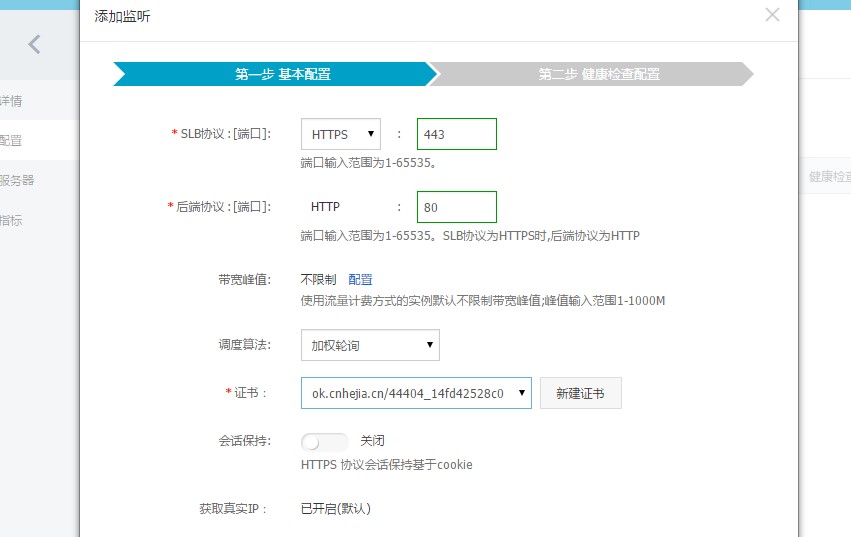
Once configured, proceed to set up the monitoring configuration for the HTTPS protocol SLB. Note that when the frontend uses HTTPS, the backend servers must use HTTP.
After configuration, perform a visit test. If the visited domain does not match the certificate, the browser will generally display a warning.
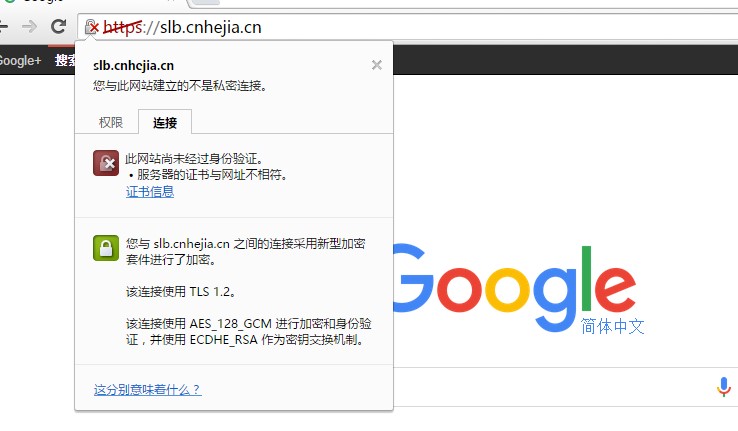
If the certificate passes validation, the browser will generally display a secure indicator: