Your IT infrastructure (AWS accounts and credentials, AWS resources, guest operating systems, and applications) faces a wide variety of threats of different scales! The cyberspace can be a place full of hidden dangers, and we want to ensure you have the right tools and knowledge, along with an appropriate vision, to keep your IT infrastructure secure.
Amazon GuardDuty is here to help. Leveraging machine learning across various public and AWS-generated data sources, GuardDuty analyzes billions of events to track trends, patterns, and anomalies, identifying subtle signs of potential risk. You can enable it with a single click and view initial results within minutes.
How It Works
GuardDuty has powerful processing capabilities, utilizing multiple data streams, including several threat intelligence sources, to maintain awareness of malicious IP addresses and rare domains; more importantly, it learns to accurately identify malicious or unauthorized behavior within your AWS account. By combining information collected from your VPC Flow Logs, AWS CloudTrail Event Logs, and DNS logs, GuardDuty can detect many types of dangerous and harmful behaviors, including probing for known vulnerabilities, port scanning, reconnaissance, and access from unusual locations. On the AWS side, it looks for suspicious AWS account activities, such as unauthorized deployments, anomalous CloudTrail activity, AWS API function access patterns, and attempts exceeding service limits. GuardDuty also looks for compromised EC2 instances communicating with malicious entities or services, data exfiltration attempts, and instances engaged in cryptocurrency mining.
GuardDuty runs entirely on AWS infrastructure without impacting workload performance or reliability. You do not need to install or manage any agents, sensors, or network devices. This clean zero-footprint model should appeal greatly to your security teams, allowing them to approve the use of GuardDuty across all AWS accounts without hesitation.
Results are presented to you at one of three levels (low, medium, or high), accompanied by detailed evidence and remediation recommendations. These results are also available as Amazon CloudWatch Events; this allows you to use your own AWS Lambda functions to automatically remediate specific types of issues. Using this mechanism, you can also easily push GuardDuty results to event management systems (such as Splunk, Sumo Logic, and PagerDuty) and workflow systems (such as JIRA, ServiceNow, and Slack).
Quick Guide
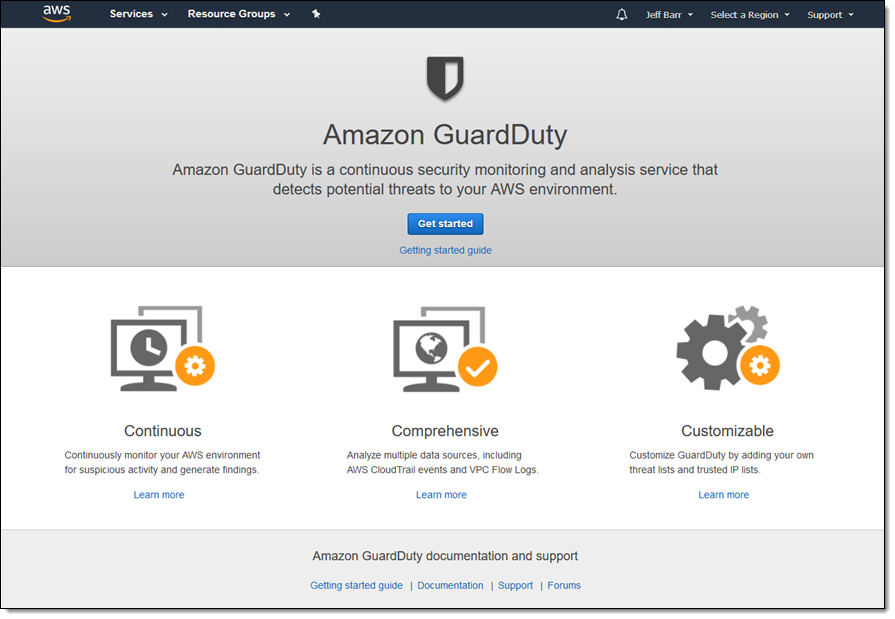
Let’s take a quick look. I open the GuardDuty console and click Get started:
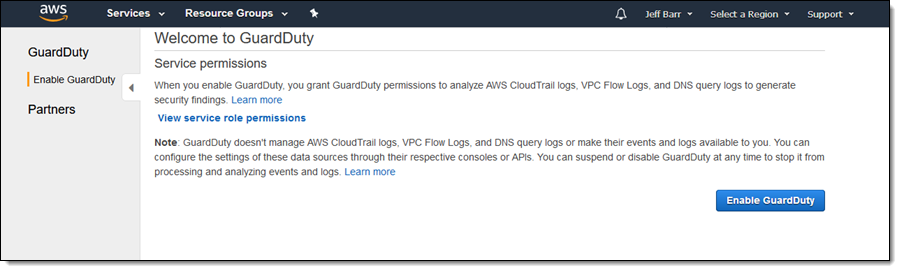
Then, I confirm that I want to enable GuardDuty. By clicking “Enable GuardDuty,” I grant it the necessary permissions to set up the appropriate service-linked role and analyze my logs:
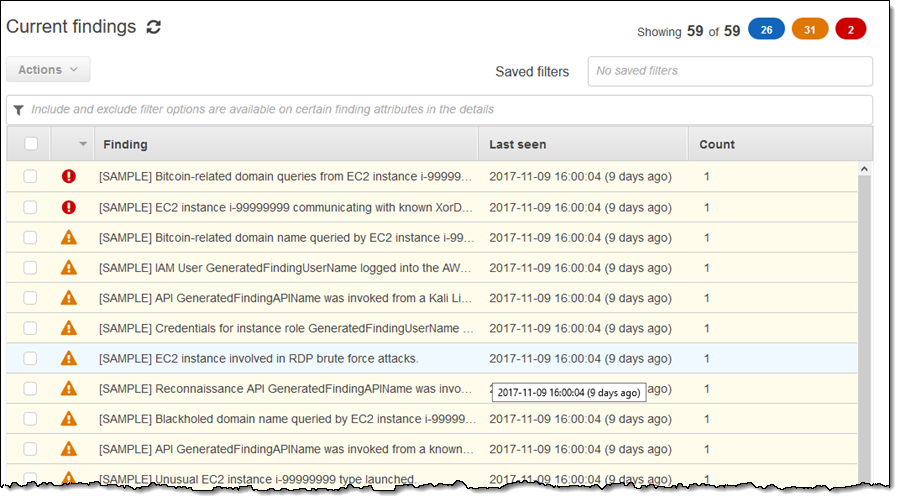
My own AWS environment does not fully demonstrate its functionality, so I visit General Settings and click Generate sample findings to proceed. Now I get some interesting results:
I can click on a result to learn more:
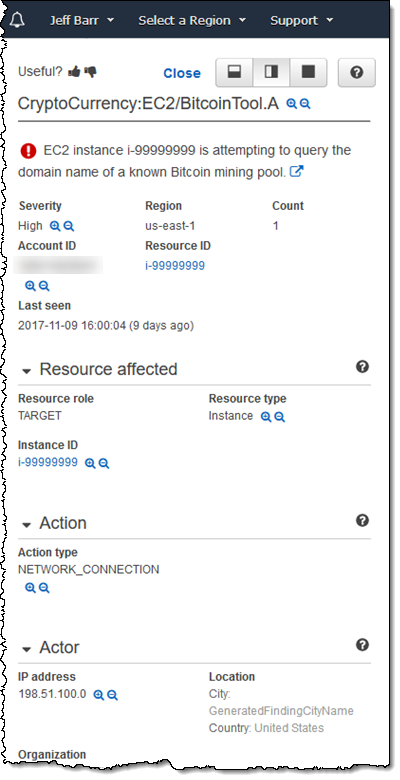
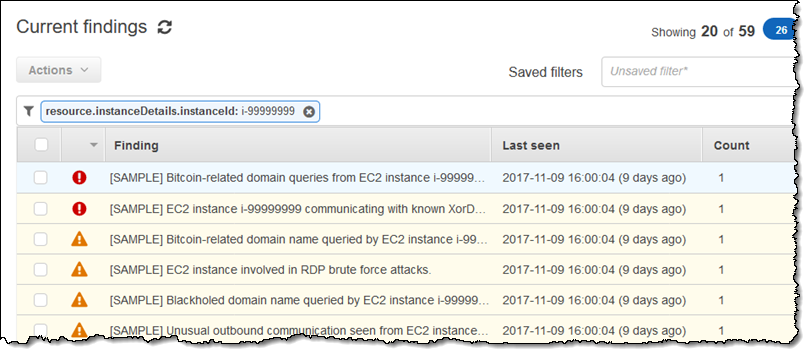
Using the magnifying glass icon, I can create include or exclude filters for associated resources, actions, or other values. I can filter all results related to this instance:
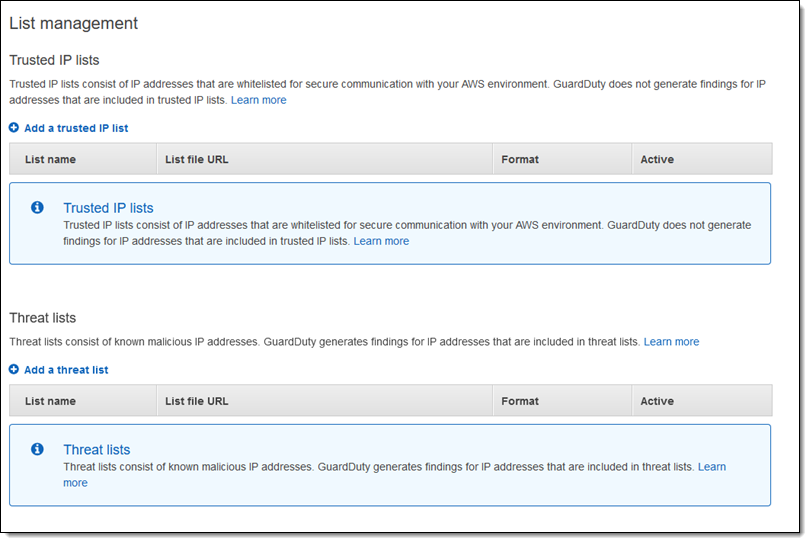
By adding lists of trusted IP addresses and malicious IP addresses specific to my environment, I can customize GuardDuty:
After enabling GuardDuty in my administrator account, I can invite my other accounts to participate:
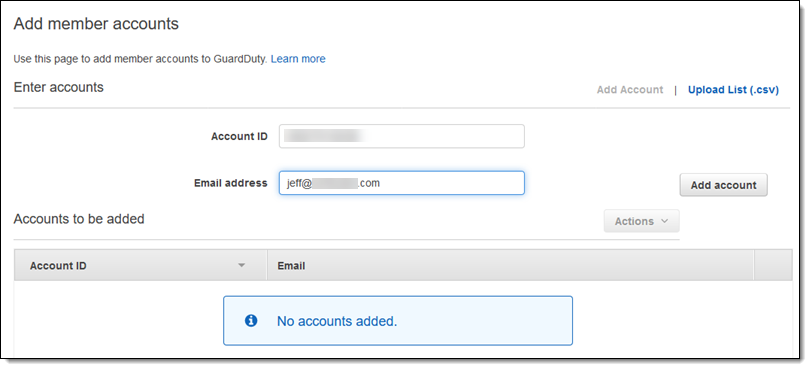
Once these accounts decide to participate, GuardDuty will schedule sharing their results with the administrator account.
Due to time and space constraints, I have only briefly touched upon some aspects of GuardDuty. You can try it for free for 30 days; afterwards, you will be charged based on the number of entries processed from your VPC Flow, CloudTrail, and DNS logs.
Now Available
Amazon GuardDuty is now officially available in the following regions: US East (N. Virginia), US East (Ohio), US West (Oregon), US East (N. Virginia), Europe (Ireland), Europe (Frankfurt), Europe (London), South America (São Paulo), Canada (Central), Asia Pacific (Tokyo), Asia Pacific (Seoul), Asia Pacific (Singapore), Asia Pacific (Sydney), and Asia Pacific (Mumbai). You can start using it immediately!