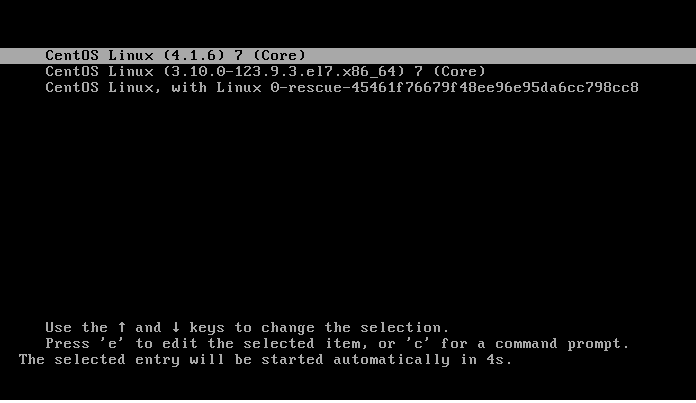
Today, I tested upgrading the CentOS 7.x kernel from version 3.x to 4.x by compiling it manually. Here is a record of the process. Previously, Alibaba Cloud ECS did not support kernel upgrades. In fact, Alibaba Cloud systems running CentOS 5.8 or later already support kernel upgrades via yum. However, upgrading the kernel is a risky operation, especially in cloud environments with customized non-standard hardware. Therefore, the Alibaba Cloud ECS Purchase Notes explicitly warn against casually upgrading the kernel.
Operations carry risks; please ensure you have taken snapshot backups. Below is the operational procedure:
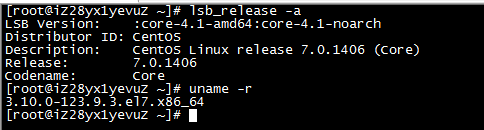
Check the current system version: CentOS 7.0; Kernel version: 3.10.0;
[root@iZ28yx1yevuZ ~]# lsb_release -a
LSB Version:    :core-4.1-amd64:core-4.1-noarch
Distributor ID: CentOS
Description:    CentOS Linux release 7.0.1406 (Core)
Release:        7.0.1406
Codename:       Core
[root@iZ28yx1yevuZ ~]# uname -r
3.10.0-123.9.3.el7.x86_64
Go to kernel.org to download the latest kernel version:
[root@iZ28yx1yevuZ ~]#wget https://www.kernel.org/pub/linux/kernel/v4.x/linux-4.1.6.tar.xz;mv linux-4.1.6.tar.xz /usr/src
[root@iZ28yx1yevuZ ~]#cd /usr/src;tar -xf linux-4.1.6.tar.xz

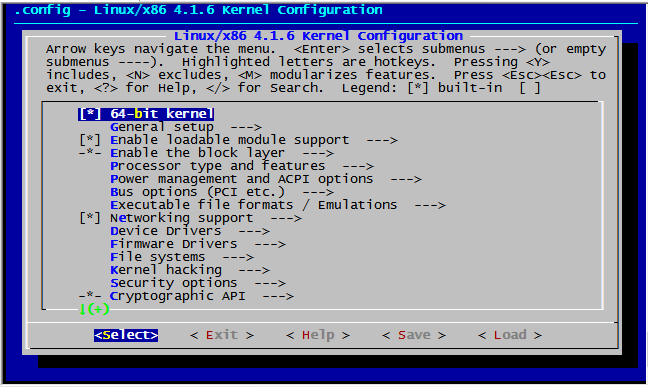
This is because menuconfig requires ncurses-devel support. Install ncurses-devel and recompile:
root@iZ28yx1yevuZ ~]# yum install ncurses-devel -y
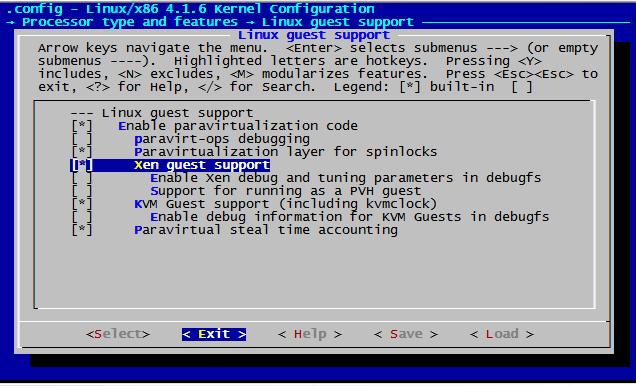
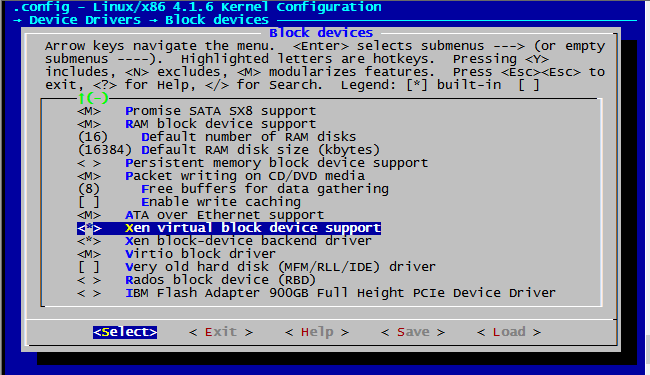
Device Drivers —> Block devices —> Xen block-device backend driver
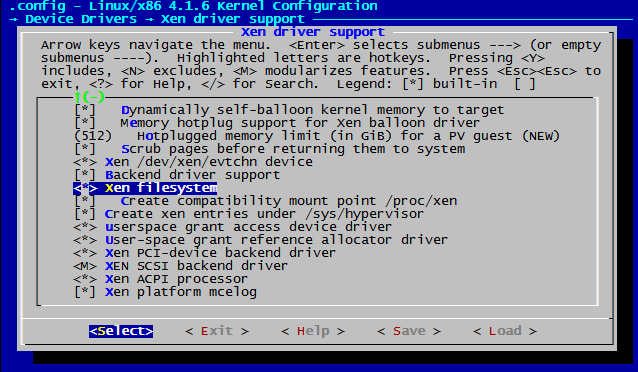
Device Drivers —> Network device support —> Xen network device frontend driver
Device Drivers —> Network device support —> Xen backend network device
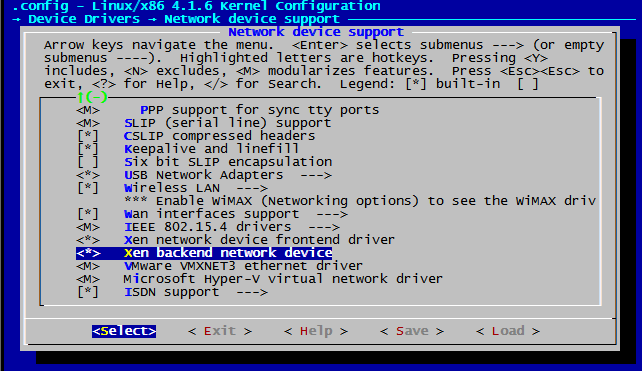
After completion, start compiling. Here we use vzImage, so the compiled core is compressed.
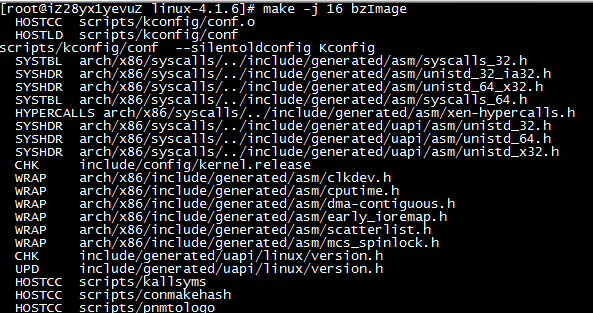
[root@iZ28yx1yevuZ ~]#make -j 16 bzImage
(This process will be very long. To prevent terminal disconnection from ruining previous efforts, it is recommended to execute operations under screen. My test server has 16 cores, so I specified 16 jobs here to accelerate compilation.)
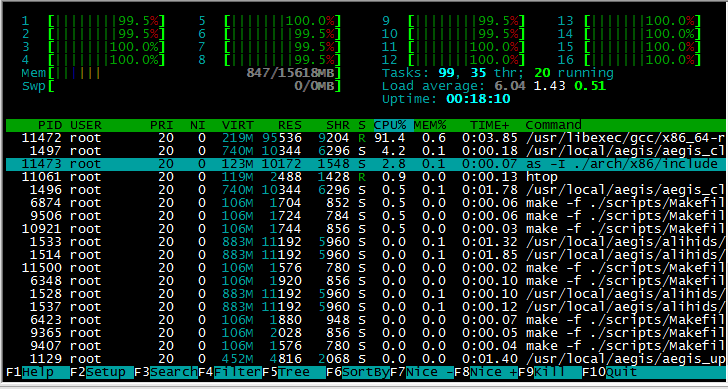
[root@iZ28yx1yevuZ ~]#make -j16 modules
[root@iZ28yx1yevuZ ~]#make -j16 modules_install
[root@iZ28yx1yevuZ ~]#make -j16 install

root@iZ28yx1yevuZ ~]#cat /etc/grub2.cfg |egrep ^menuentry
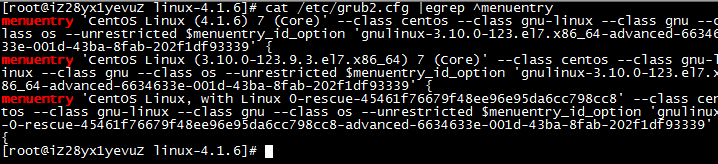
root@iZ28yx1yevuZ linux-4.1.6]# grub2-editenv list
saved_entry=CentOS Linux (3.10.0-123.9.3.el7.x86_64) 7 (Core)
[root@iZ28yx1yevuZ linux-4.1.6]# grub2-set-default "CentOS Linux (4.1.6) 7 (Core)"
root@iZ28yx1yevuZ linux-4.1.6]# grub2-editenv list
saved_entry=CentOS Linux (4.1.6) 7 (Core)
[root@iZ28yx1yevuZ linux-4.1.6]# reboot