Recently, a client requested a solution for scenarios where large volumes of files need to be stored in OSS, but access to these files must be restricted to a specific fixed IP address. Common use cases include legacy applications with hardcoded IPs, negotiating zero-rating data plans with ISPs, using corporate jump servers, or enforcing company-wide IP-based access restrictions.
By reviewing the Alibaba Cloud ECS documentation, we found that OSS services are accessed through multiple IP addresses that may change dynamically. Therefore, to achieve this requirement, you can set up a reverse proxy using an ECS instance.
The Nginx configuration is as follows:
server {
listen 80 default_server;
server_name _;
location / {
proxy_pass http://xxx.oss-cn-qingdao-internal.aliyuncs.com/;
proxy_set_header Referer http://www.test.com;
}
}
By proxying the OSS internal network through ECS, you can eliminate OSS traffic fees; however, access performance will depend on the bandwidth of the ECS instance.
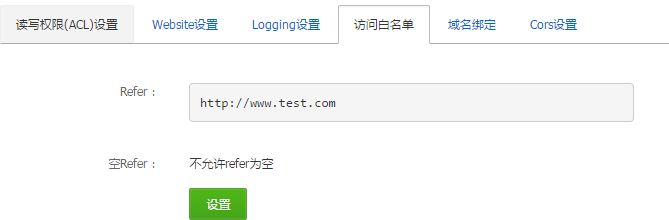
For security purposes, if OSS has Referer restrictions configured, you can also use
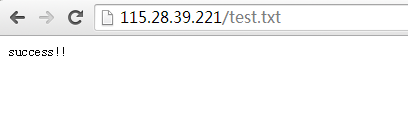
proxy_set_header to forward a custom Referer header. This value can be set to something unknown to others, effectively providing a layer of encryption (only the ECS server knows this Referer value).After completing the configuration, you can access files on OSS by visiting the ECS instance, for example: