Recently, our project has engaged with several OpenStack beginners. Many of them are not very familiar with Linux systems, resulting in inconsistent installation outcomes that indirectly affect subsequent development and debugging. Therefore, I am sharing my installation process for beginners to reference. I used the Ubuntu 14.04 64-bit Server ISO for installation; the method is similar for other versions.
Note
The following items are not covered in this blog:
- Network: Configuration depends on actual conditions. I used DHCP for automatic IP acquisition, so there are no specific steps here.
- Partitioning: Default configuration is used here, but production environments generally require manual partitioning.
Installation Steps
- Be sure to select English; otherwise, handling Chinese characters will be troublesome.
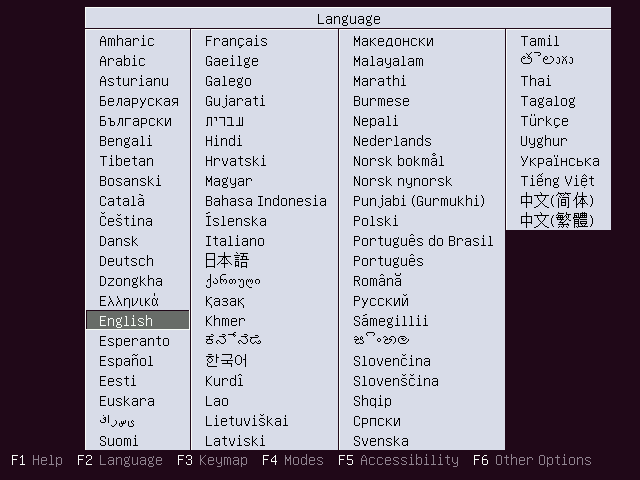
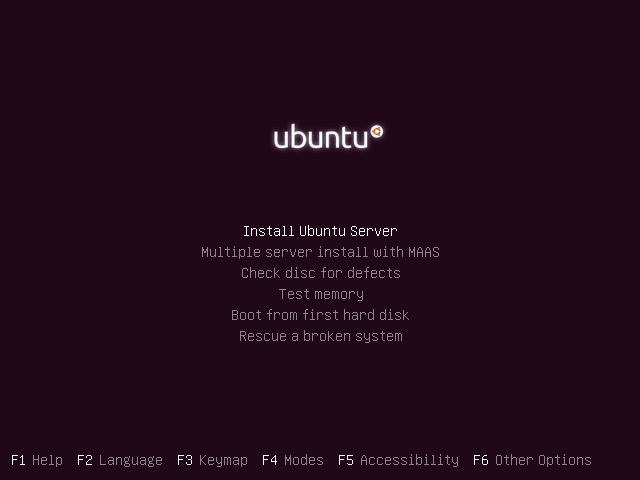
- Begin the installation process.
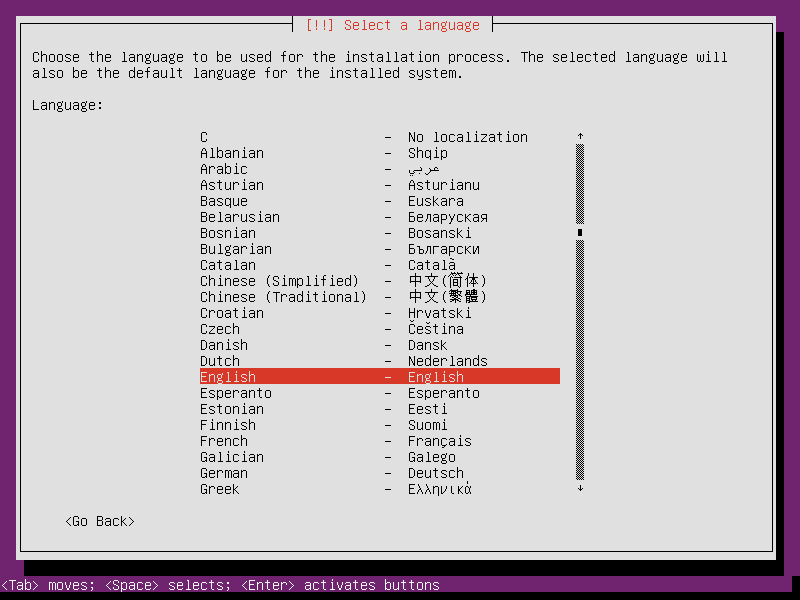
- Consistent with the previous principle, be sure to select English.
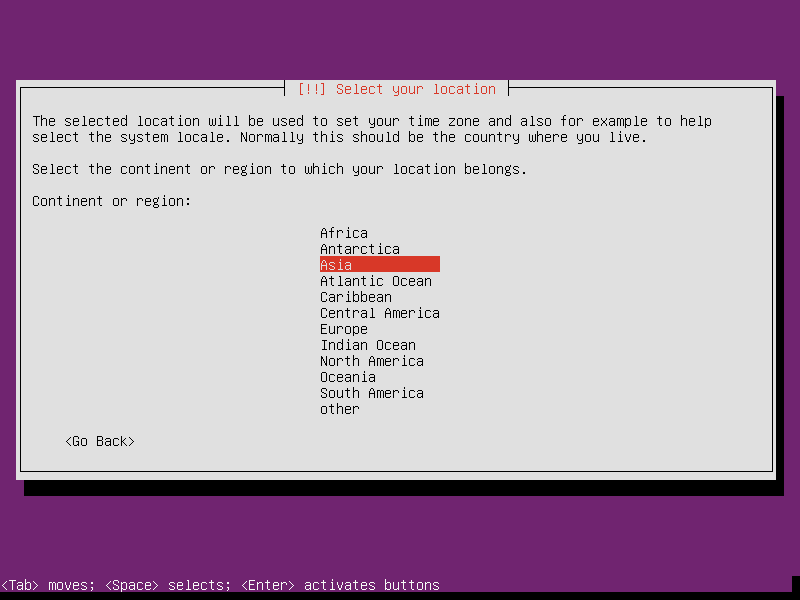
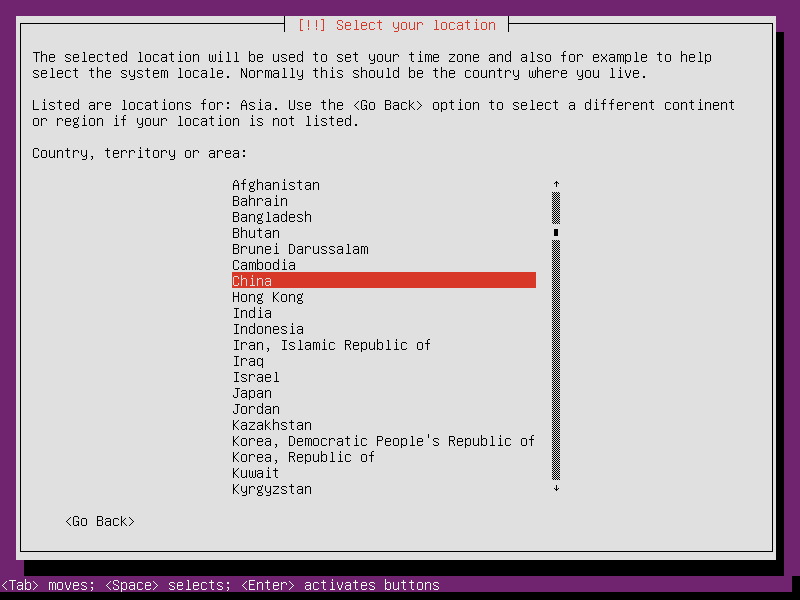
- You must select China as your location; otherwise, the default Ubuntu repositories will not use Chinese mirrors, which affects installation speed. This step is often overlooked by beginners.
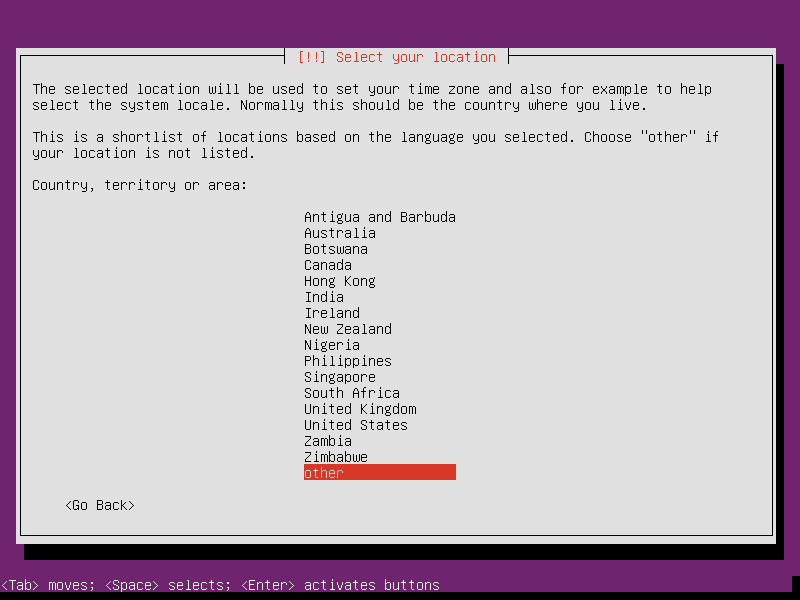
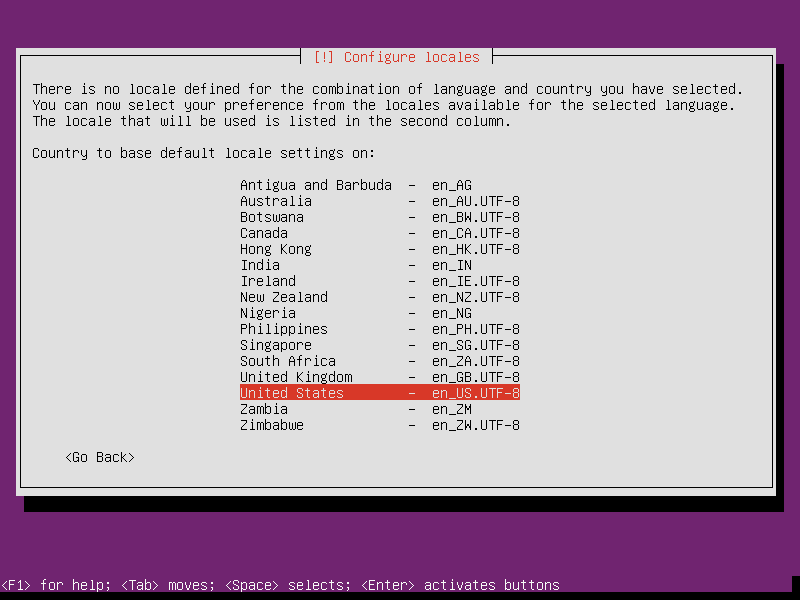
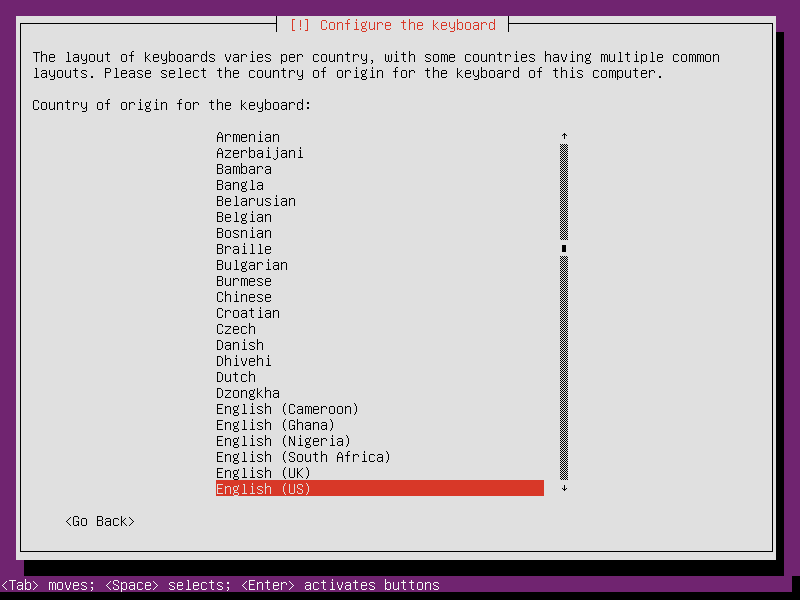
- This step mainly concerns character sets; select United States.
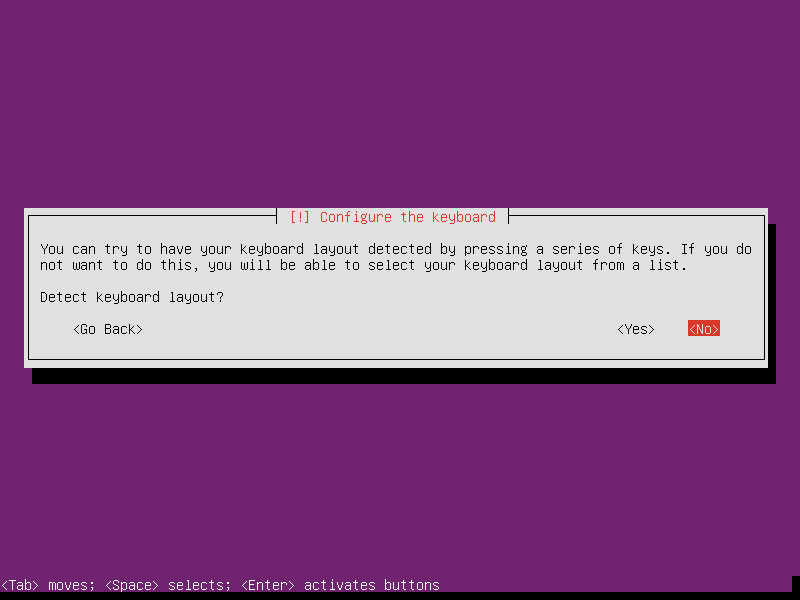
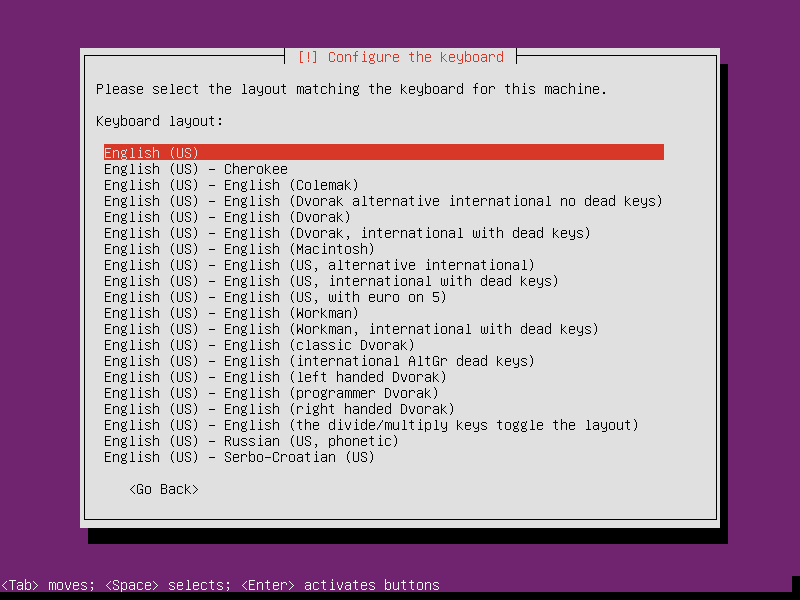
- No need to check keyboard layout.
- Simply use the default English layout.
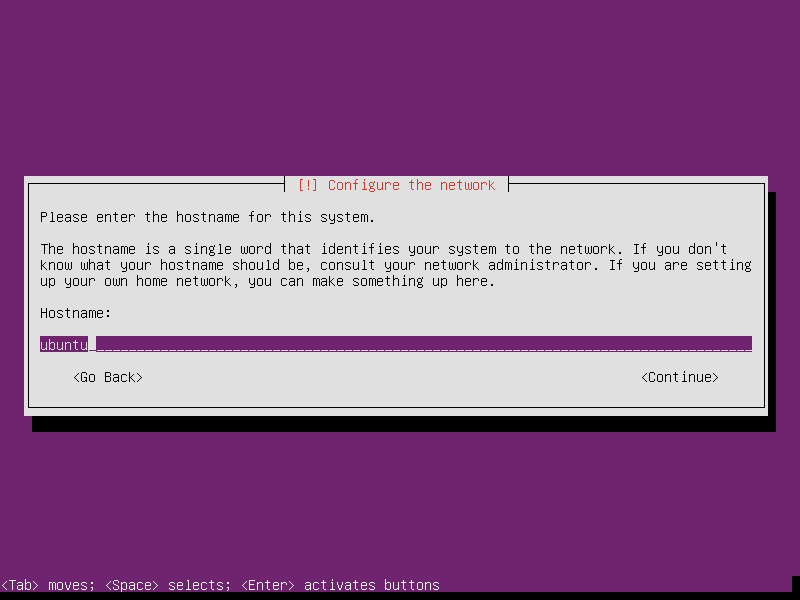
- Set the hostname.
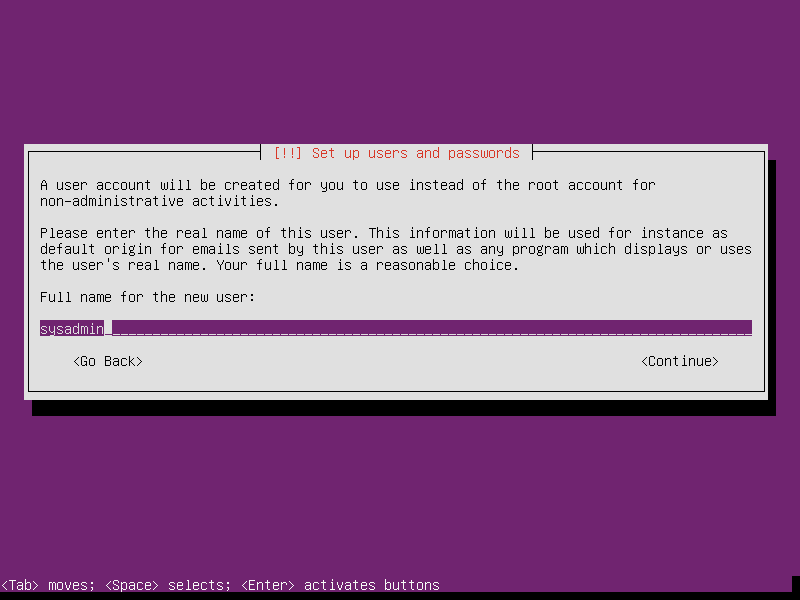
- User setup: It is recommended to create a standard user account.
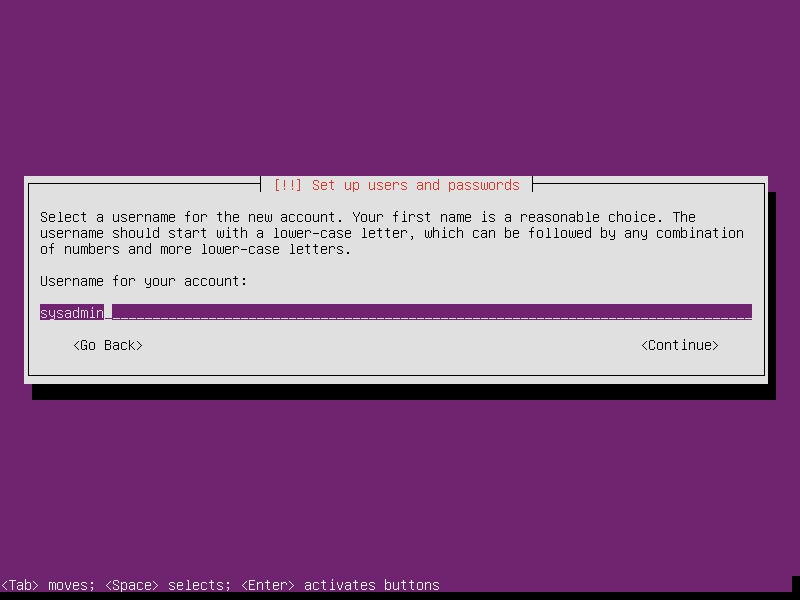
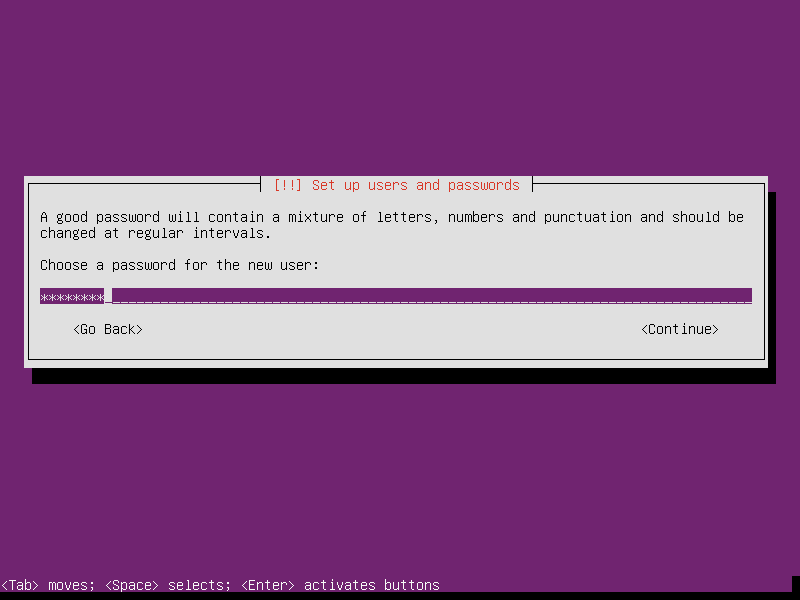
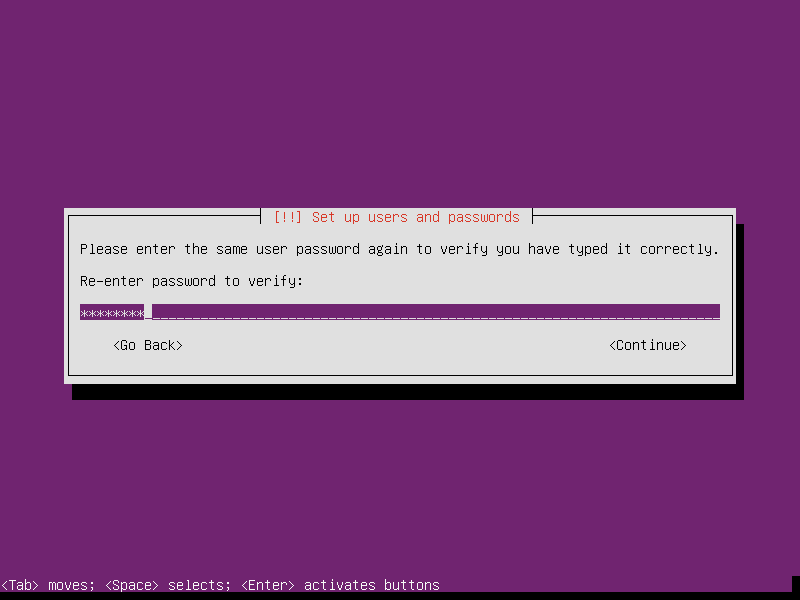
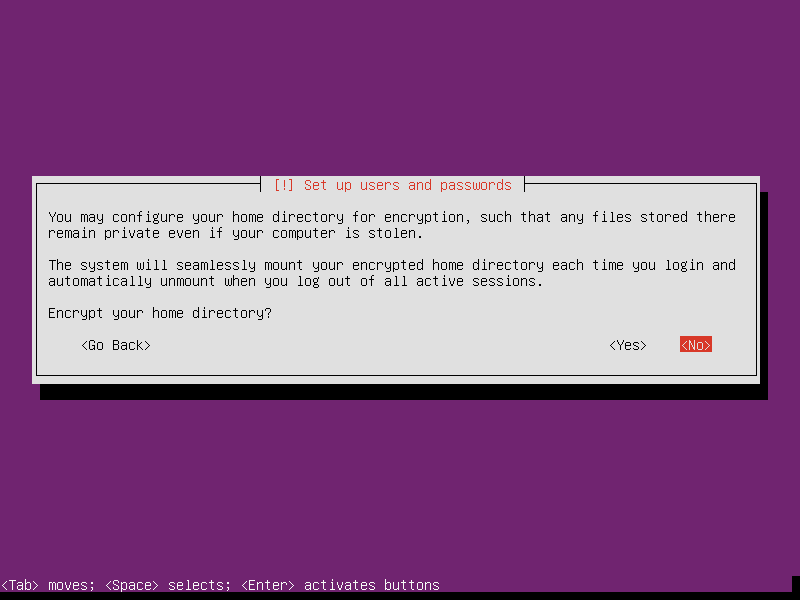
- Do not encrypt the home directory.
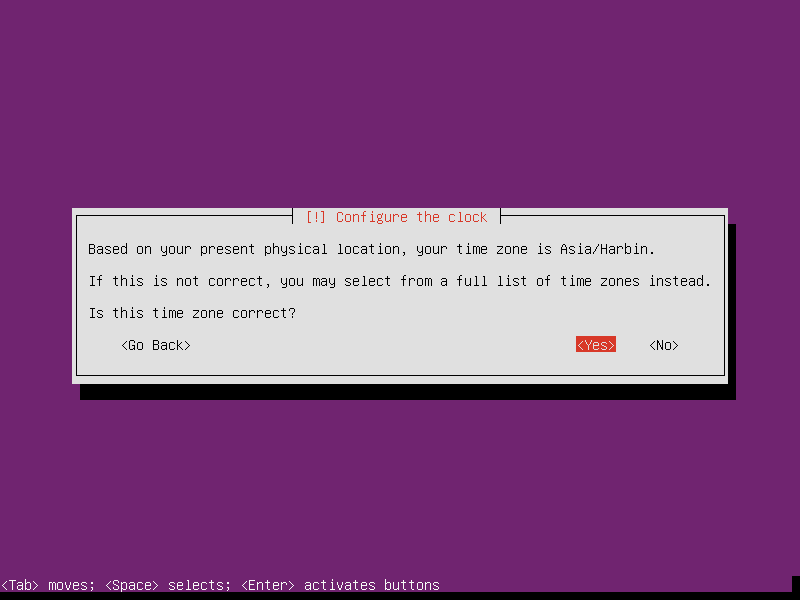
- Set the time zone. This step is also important. Although it is usually detected automatically, you must correct it if incorrect. Otherwise, your system time will not match reality, causing discrepancies in application timestamps and complicating debugging.
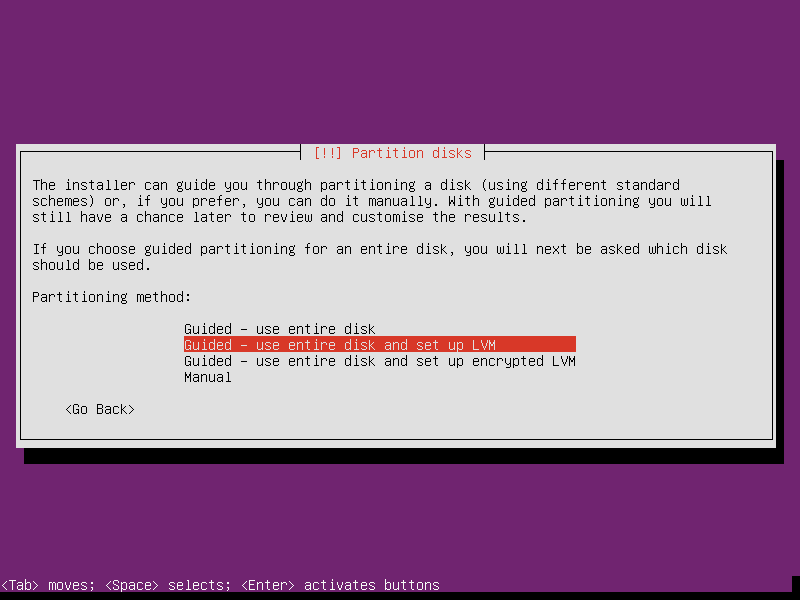
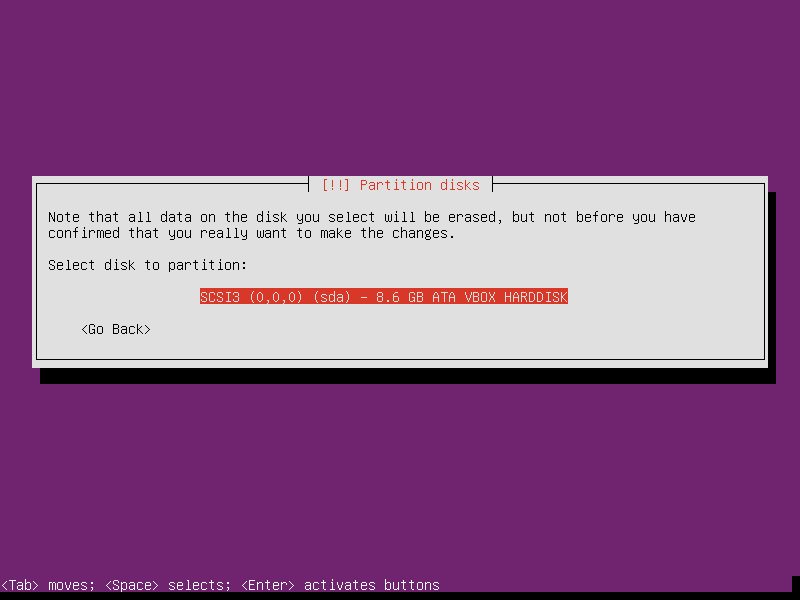
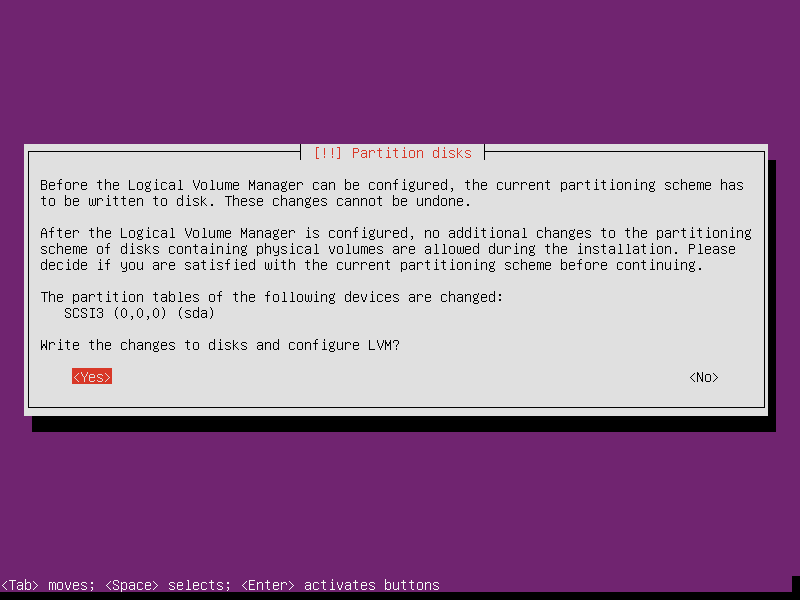
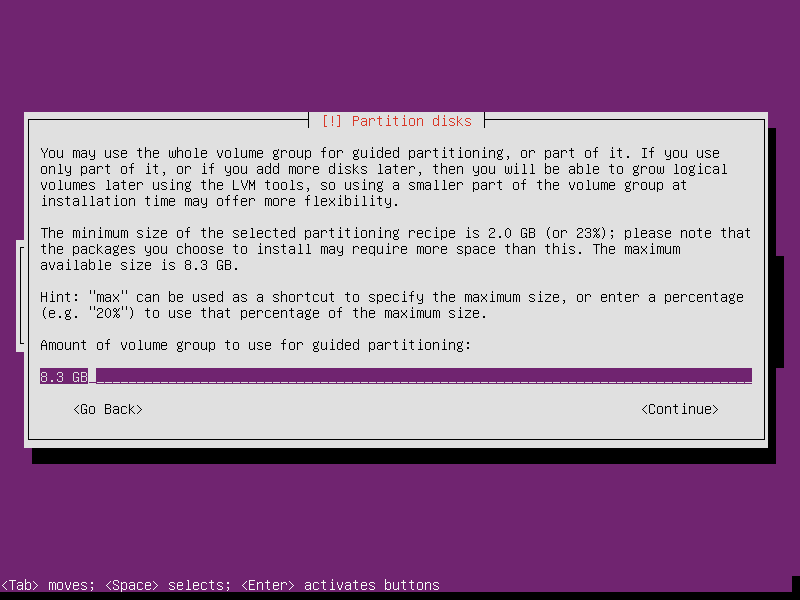
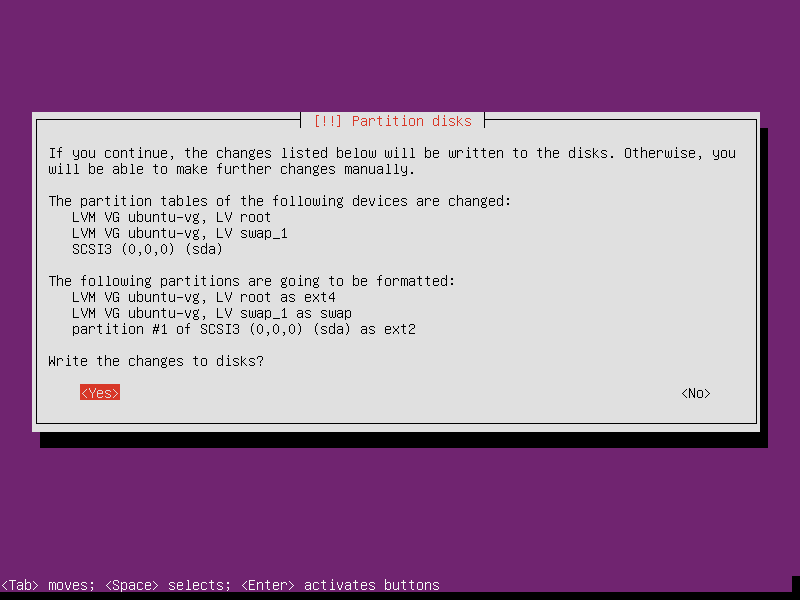
- For partitioning, using the defaults is fine. However, if you know how to partition correctly, you can choose the Manual method.
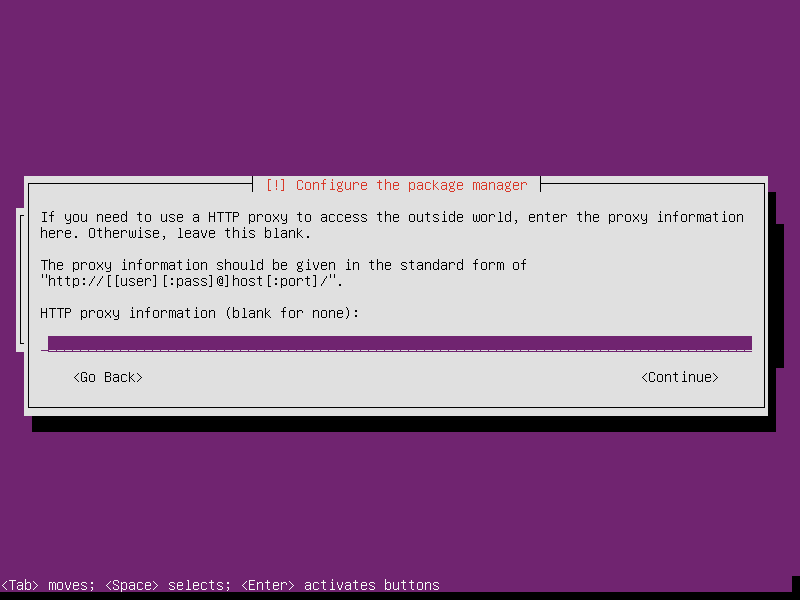
- If network access requires a proxy, configure it here.
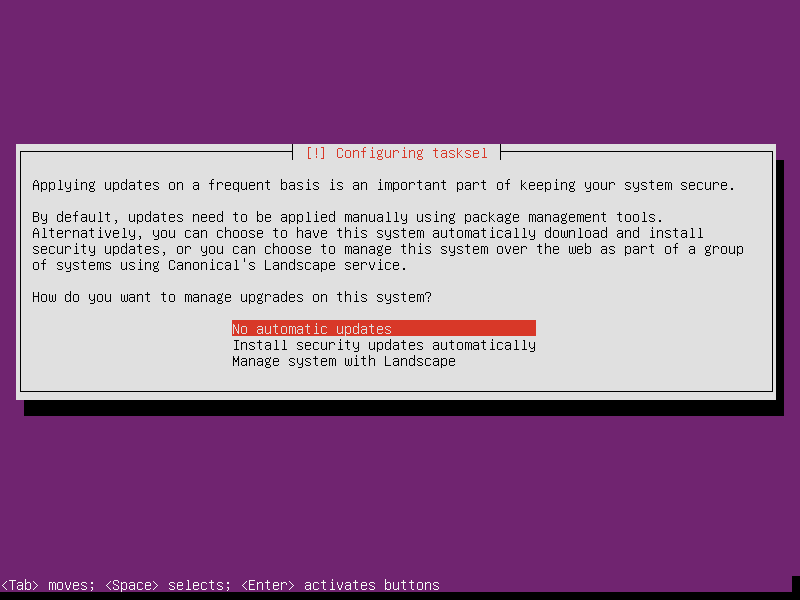
- Do not select automatic updates.
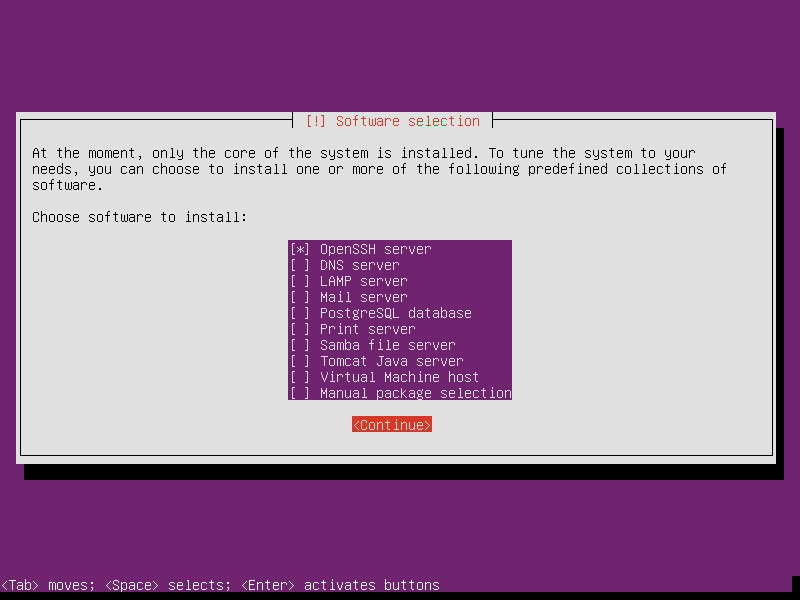
- By default, only select the SSH service to ensure we can log in to the server via SSH after installation.
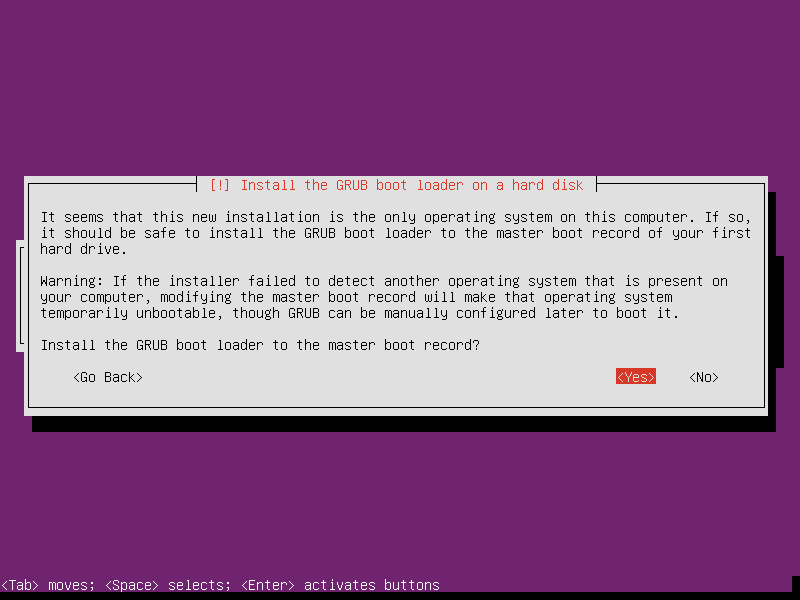
- Install GRUB.
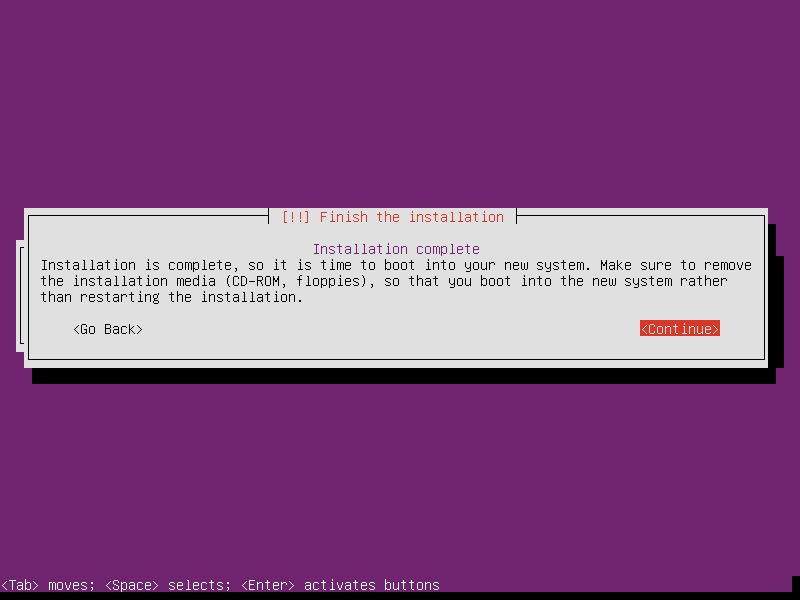
- Restart to complete the installation.
Postscript
For users just starting out, this article serves as an introductory tutorial.